You can add the JenZo Player Center to your iPhone’s Home Screen directly from Safari. It only takes a few simple steps.
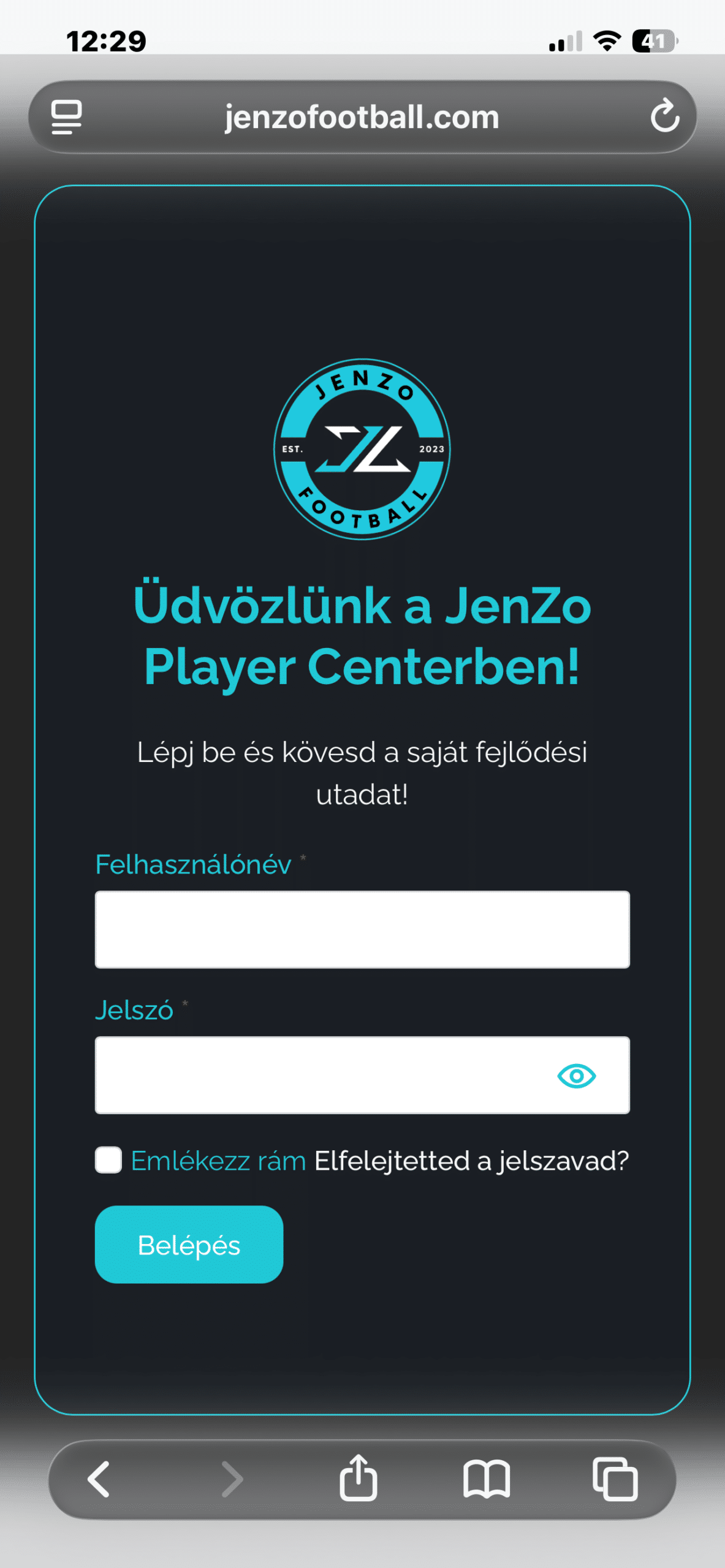
Open the login page
Open the JenZo Player Center login page in Safari, then tap the Share icon in the middle of the bottom toolbar.
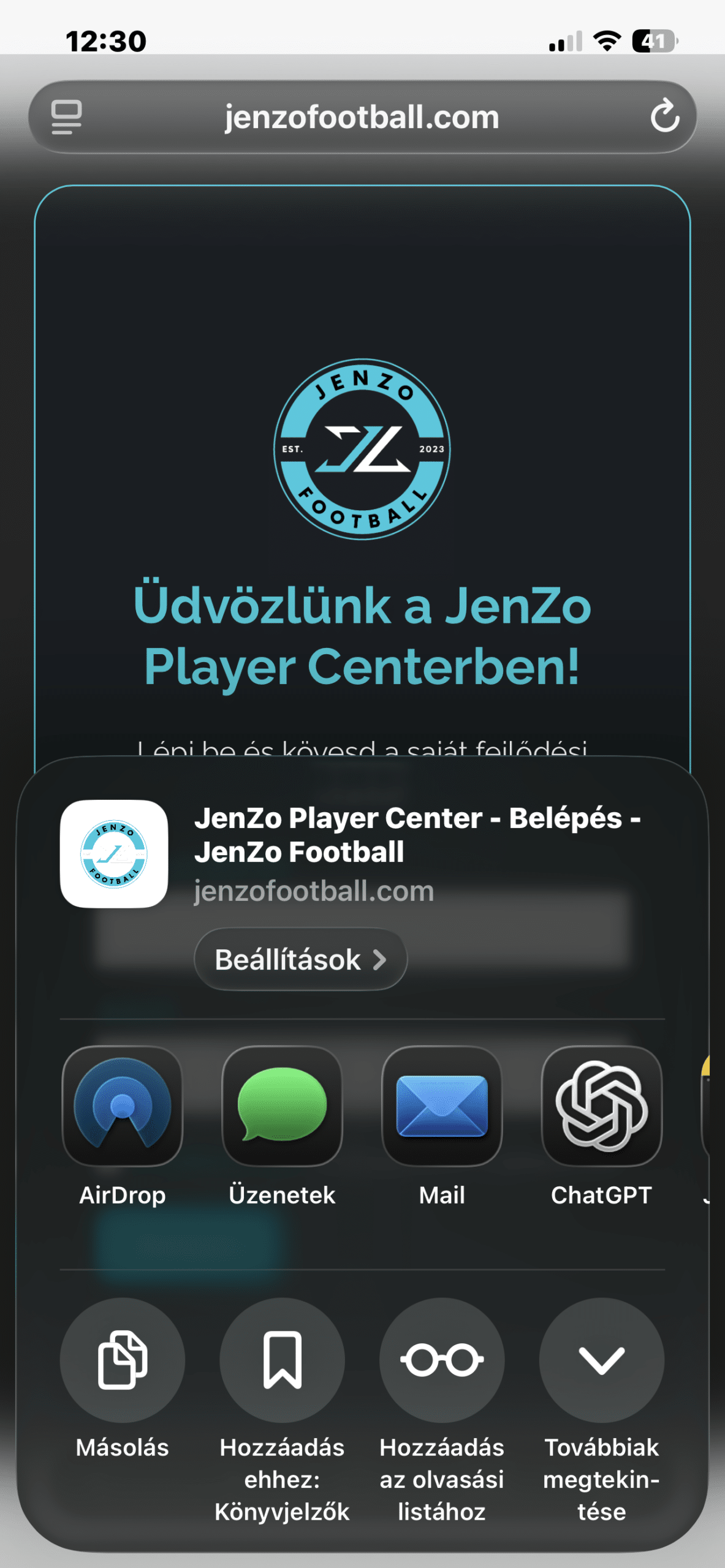
Swipe up the Share menu
Swipe up to open the lower section of the Share menu.
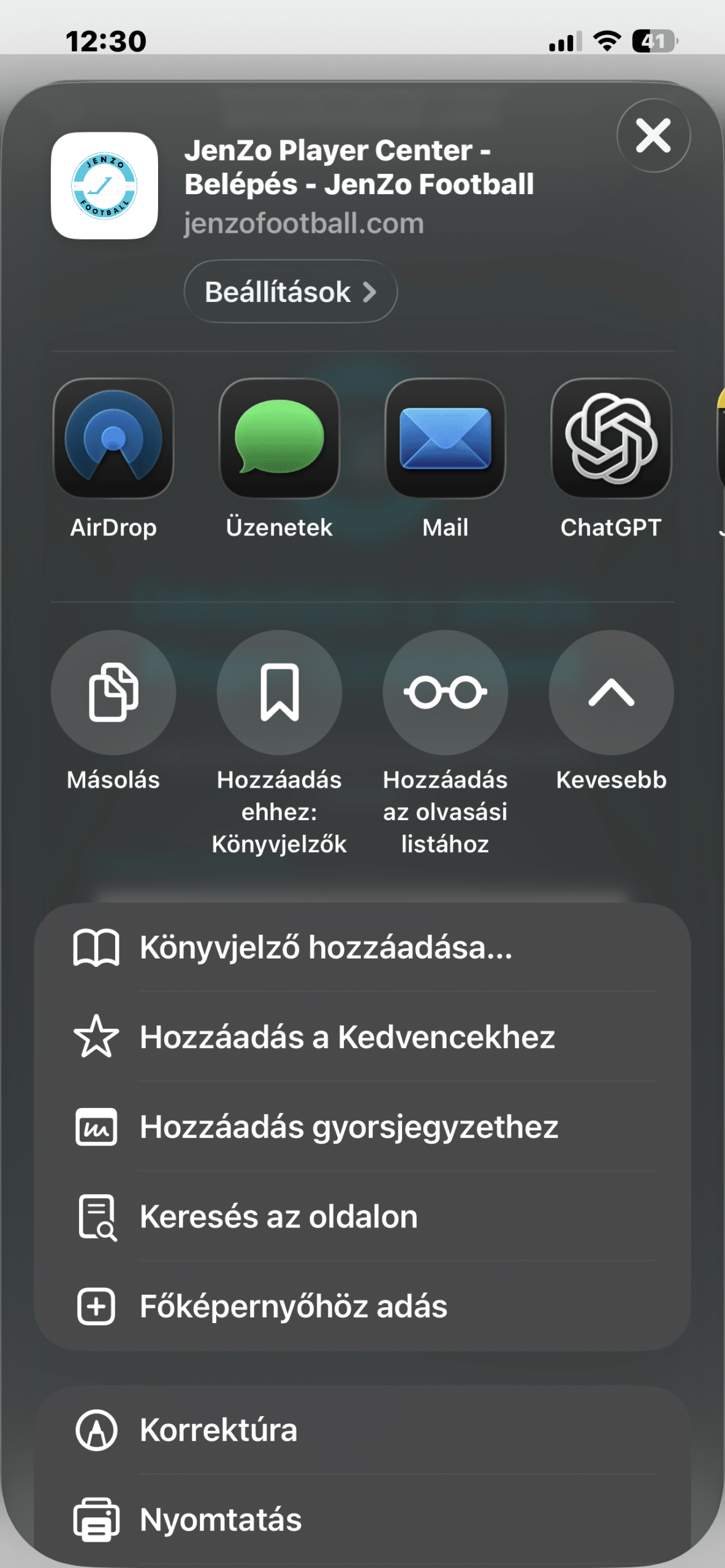
Find the “Add to Home Screen” option
Scroll down in the Share menu, then tap “Add to Home Screen.”
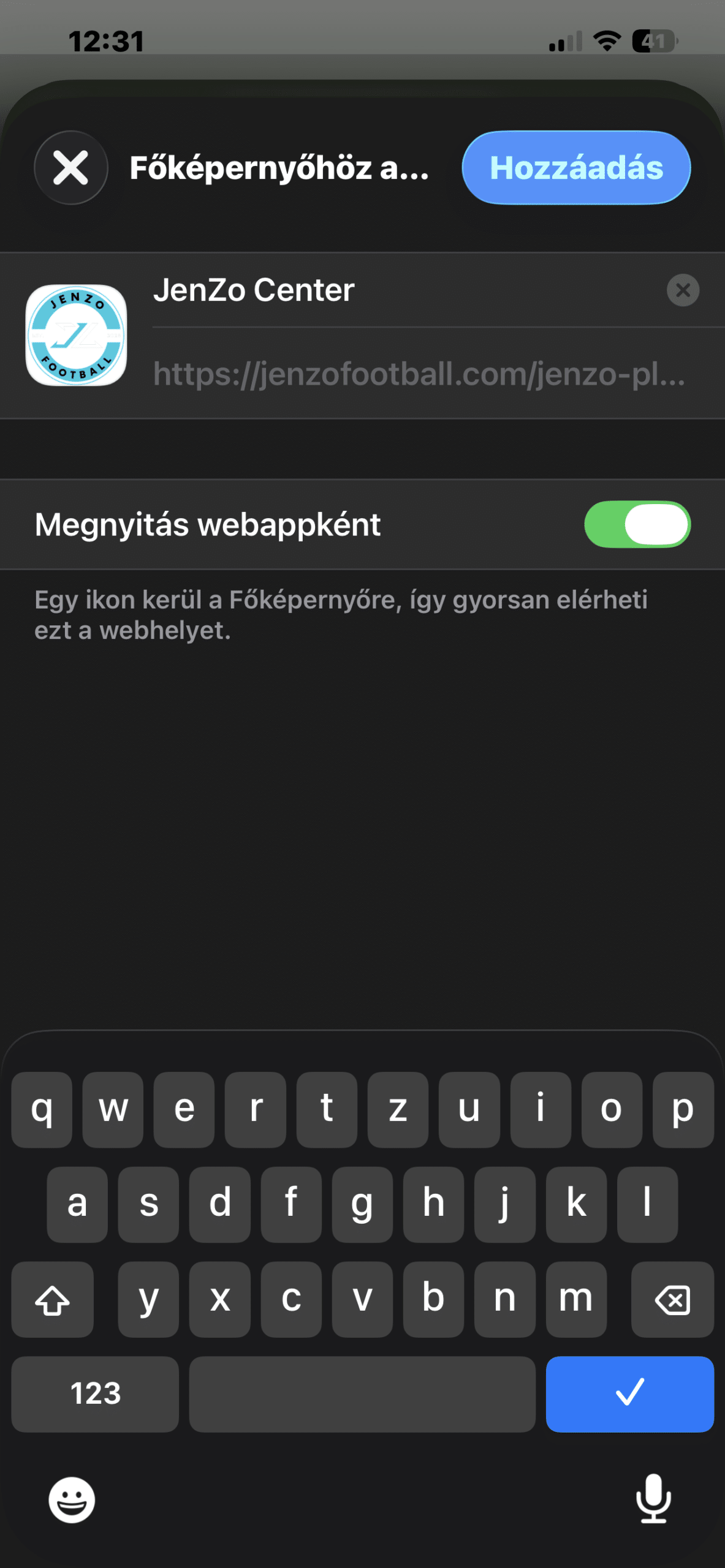
Tap the “Add” button
Check the name, then tap “Add” in the top-right corner.
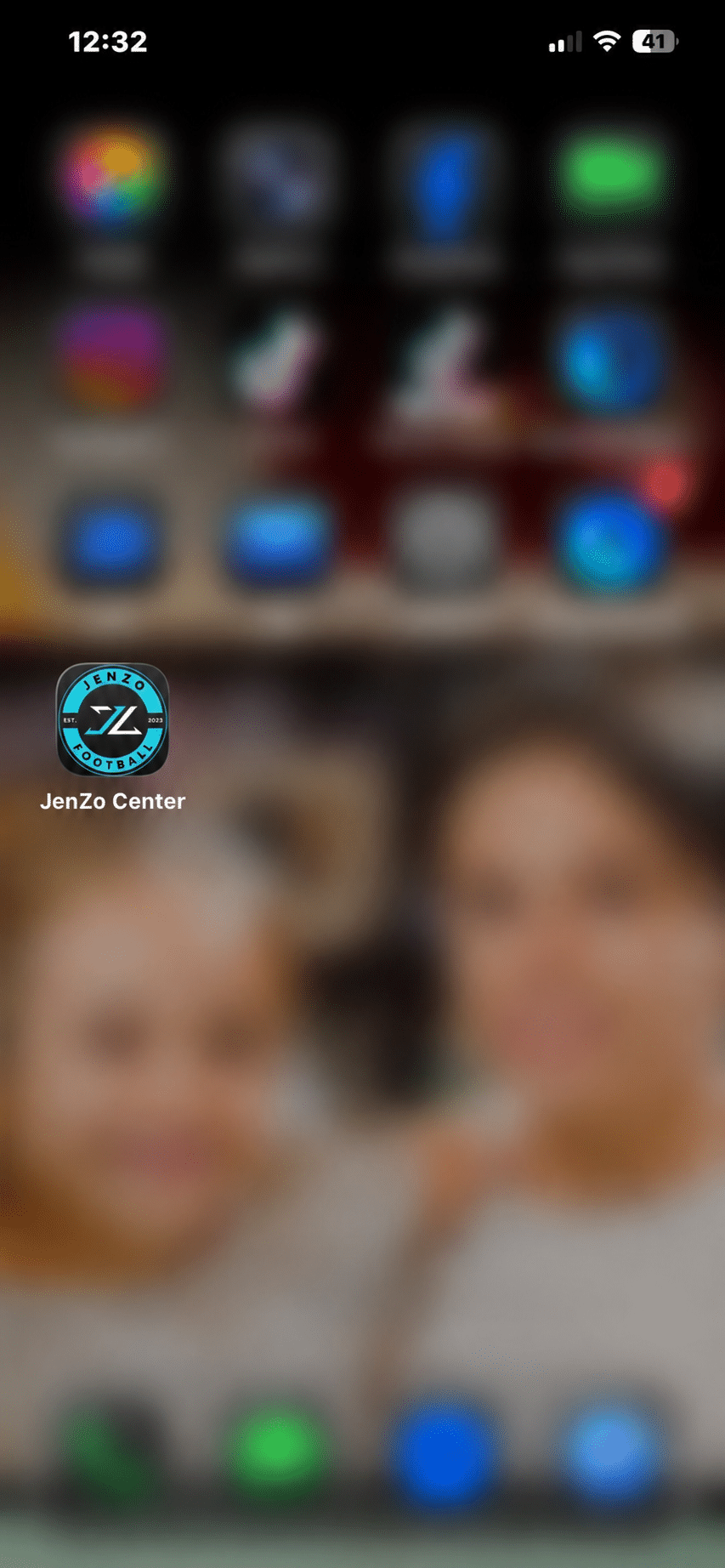
You’re all set!
The JenZo Player Center icon is now on your iPhone’s Home Screen, so you can open it with just one tap!
We only send notifications when they matter
We won’t bother you with unnecessary notifications. You’ll only receive important messages from the JenZo Player Center related to your child’s development – such as coach feedback, training information, new stickers and important milestones.